

Your inbox stays yours
The work gets shared
Give everyone their own mailbox, then share just the threads that need a second pair of hands. Talk it through in internal notes, and @mention whoever should take it.
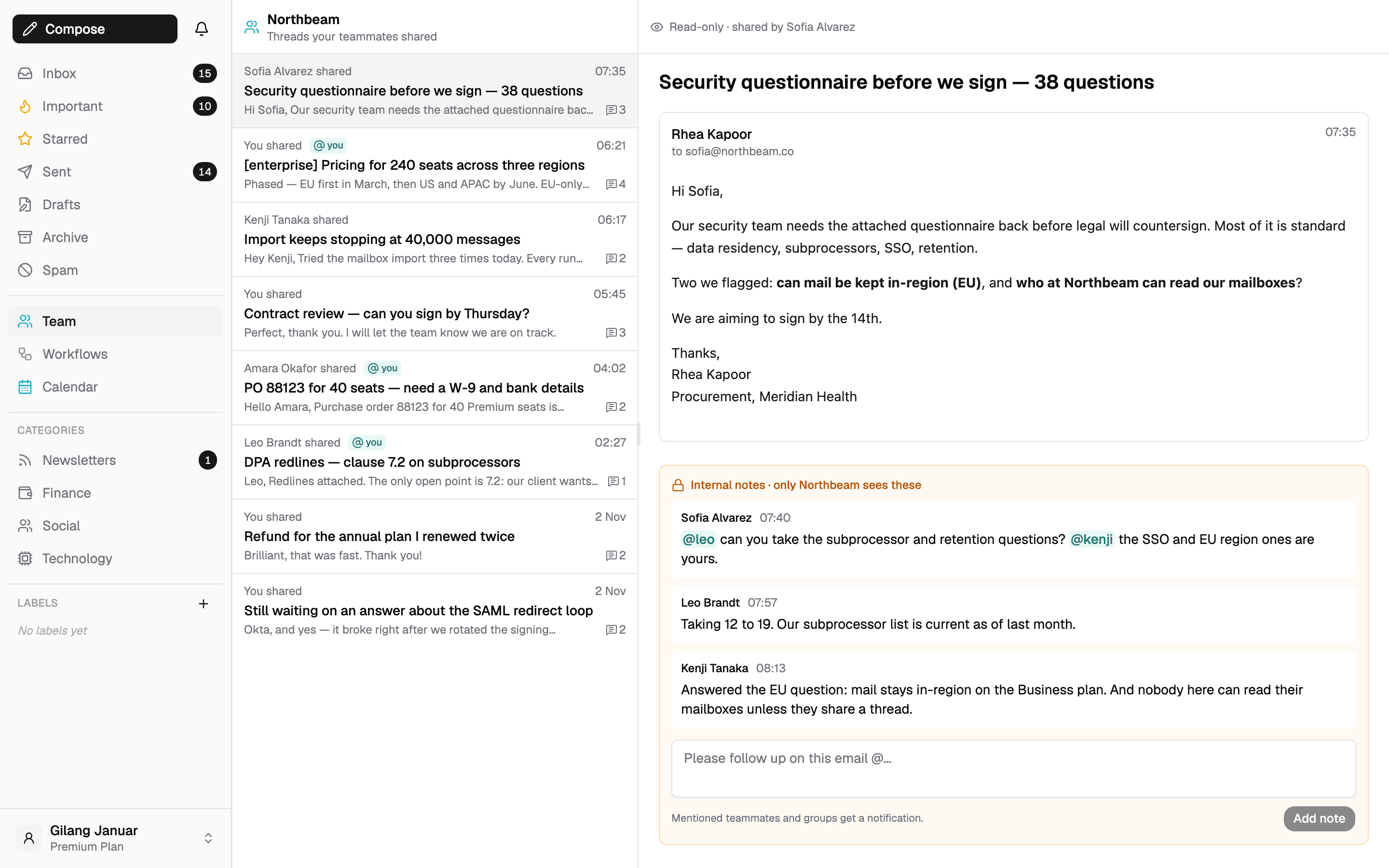
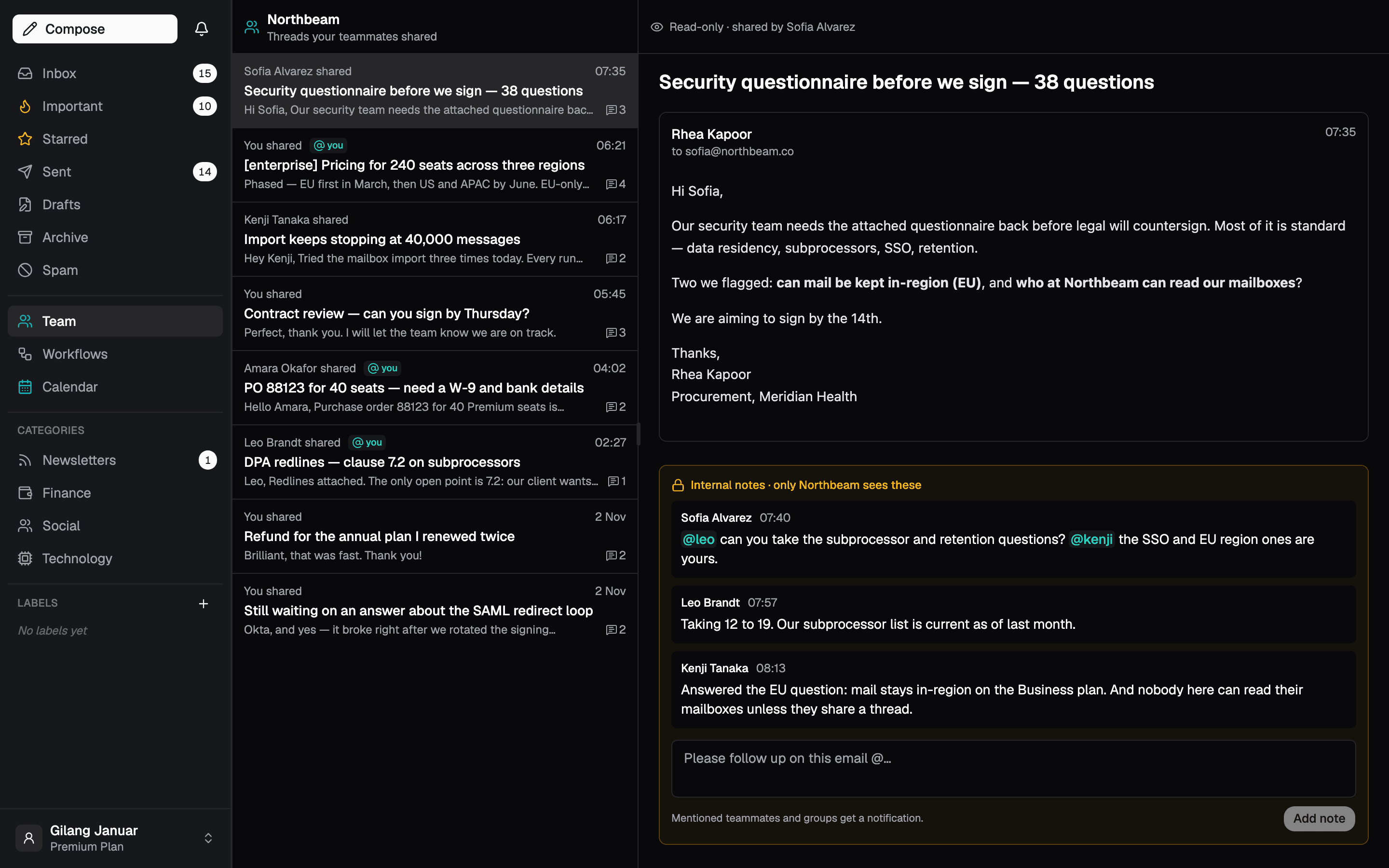
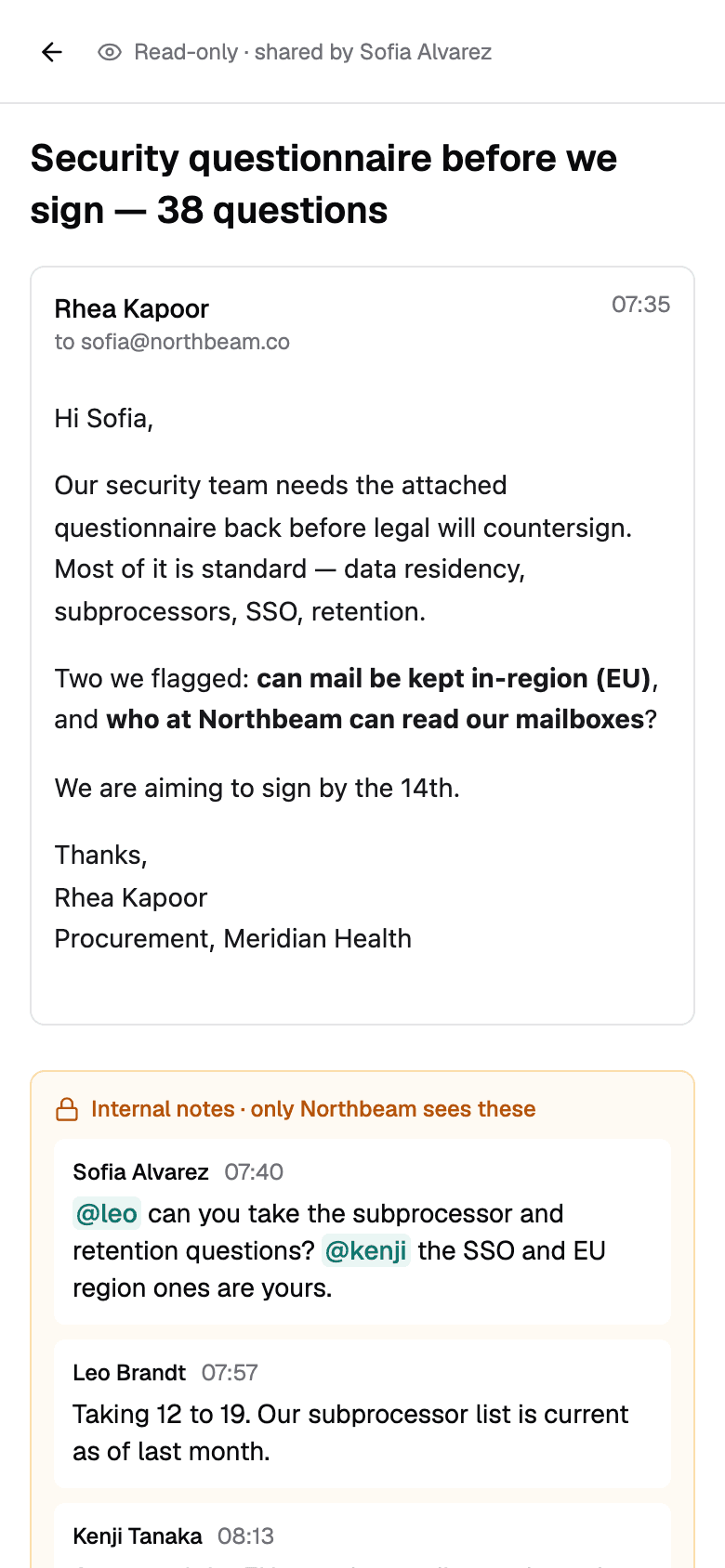
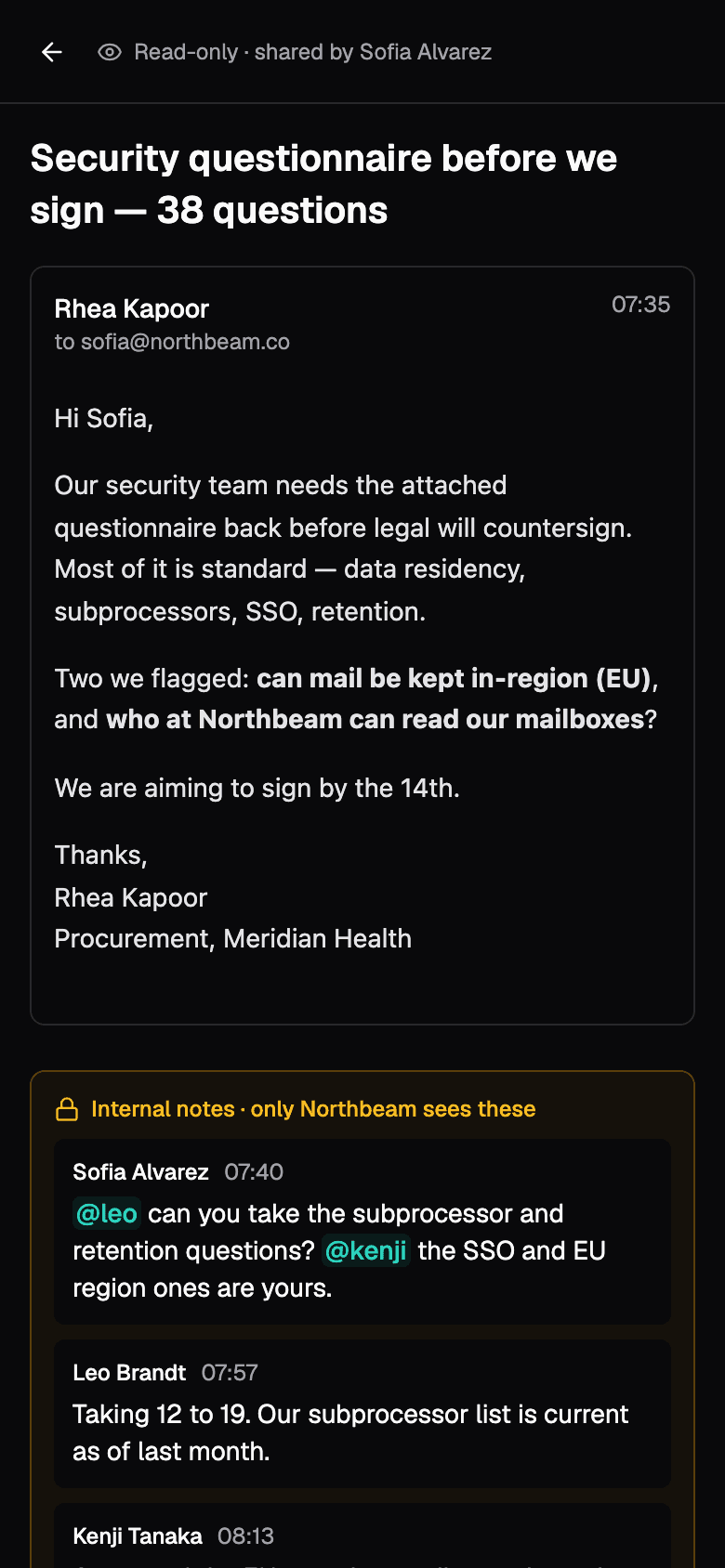
Open one thread to the team. Keep the rest of your inbox to yourself.
Forwarding scatters a conversation across inboxes and loses the replies that come after. Sharing keeps it in one place: it stays in your mailbox, and the team reads along as it moves.
- Share with team, from the menu on any thread you own
- Read-only for teammates, so nothing gets sent twice
- Drafts, bcc, labels and read state stay yours
- Stop sharing any time, and the team loses access at once
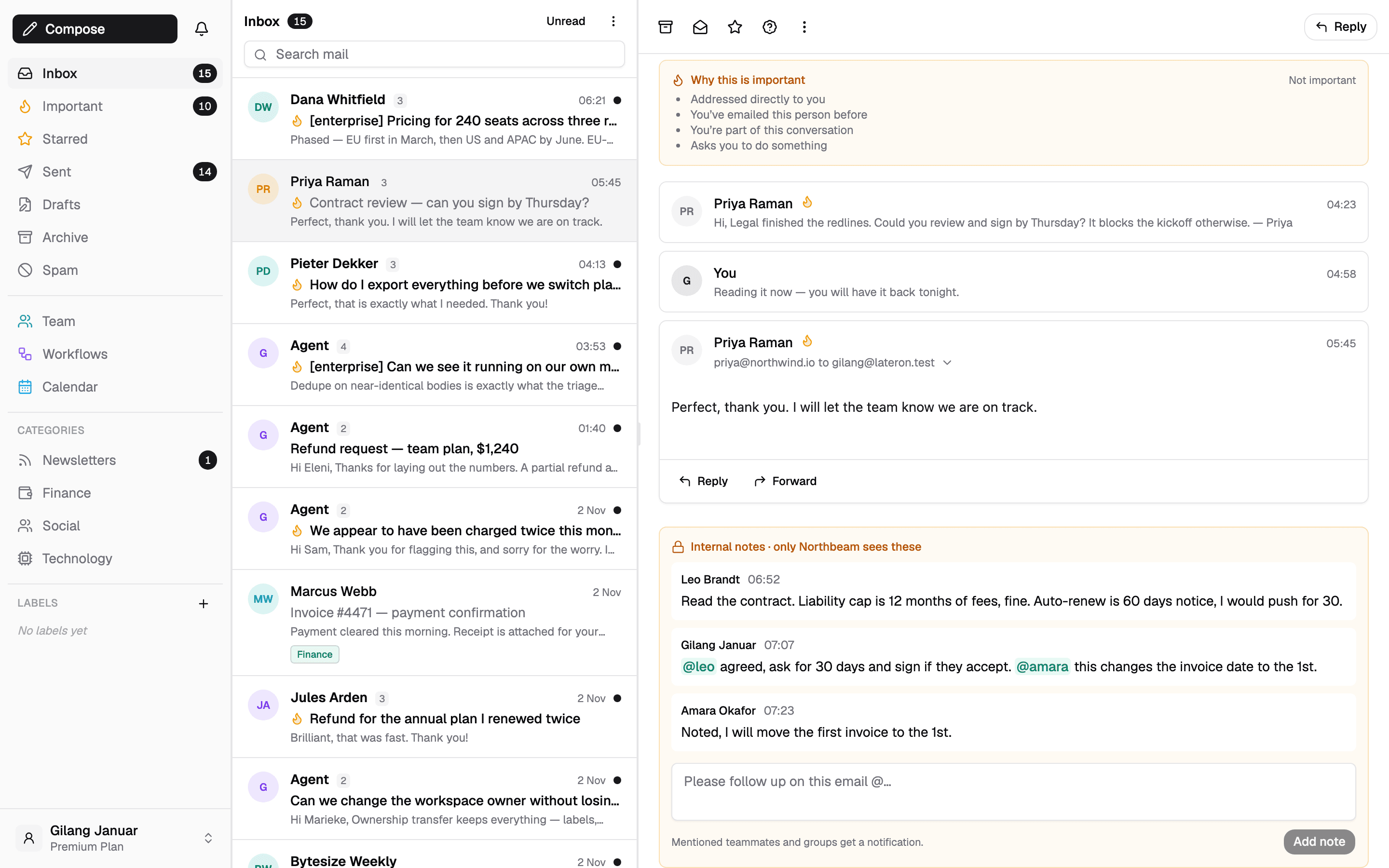
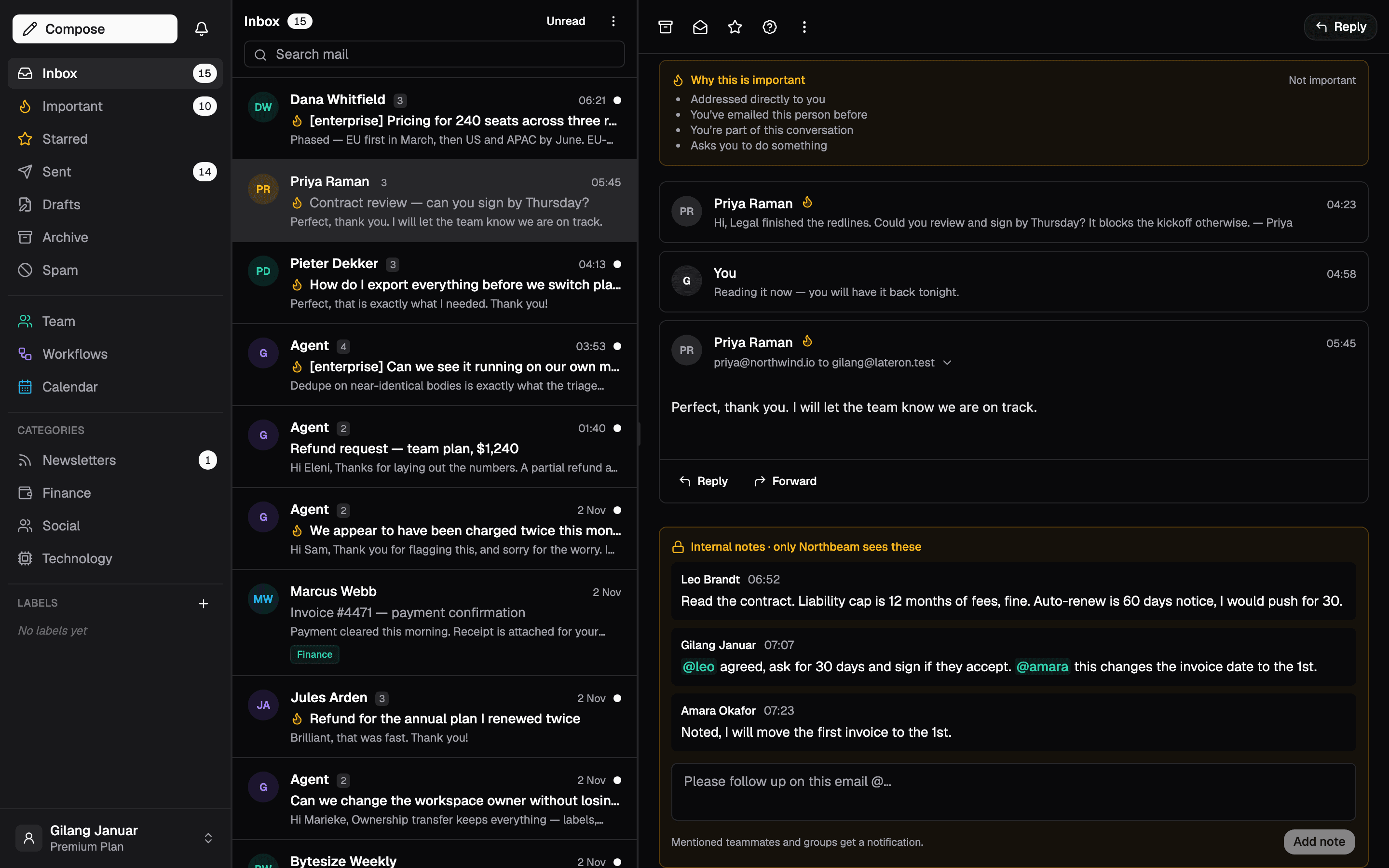
Talk about the email right next to the email
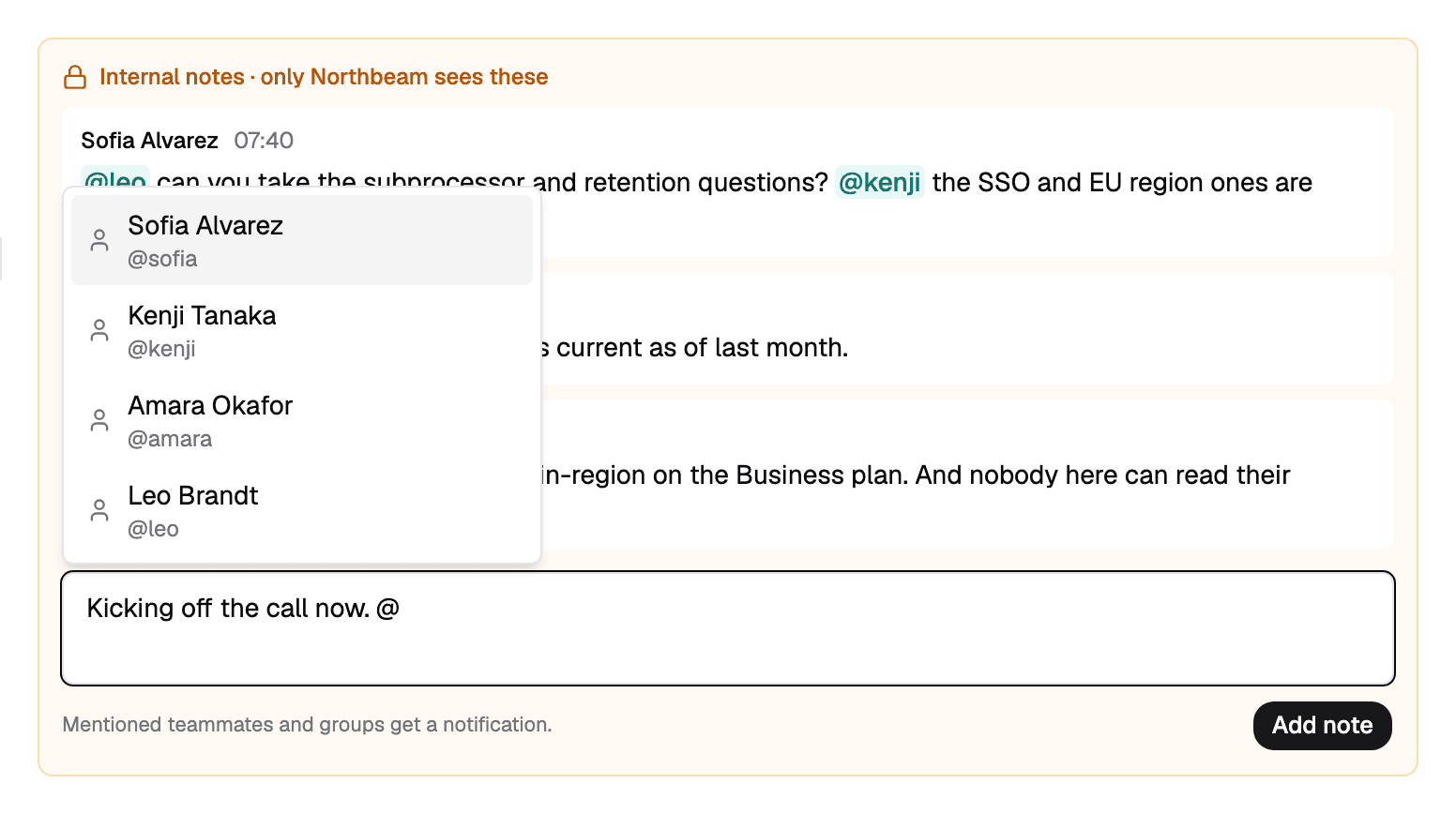
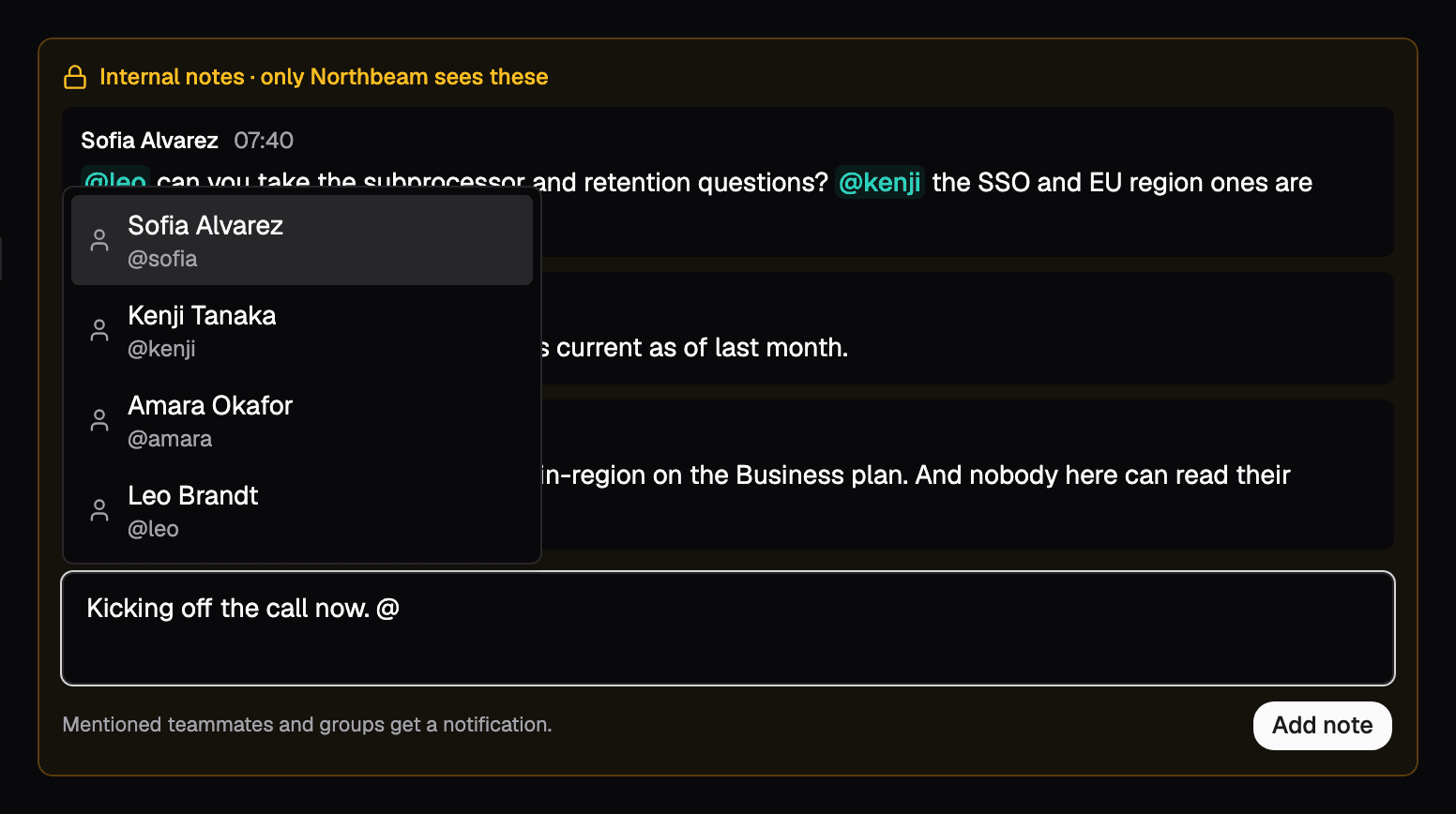
No side channel, no screenshot pasted into chat. Notes sit under the thread they are about, so whoever picks it up next has the whole story.
- Never sent to anyone outside the team
- Each note says who wrote it and when
- Deleted with the share, so nothing outlives it
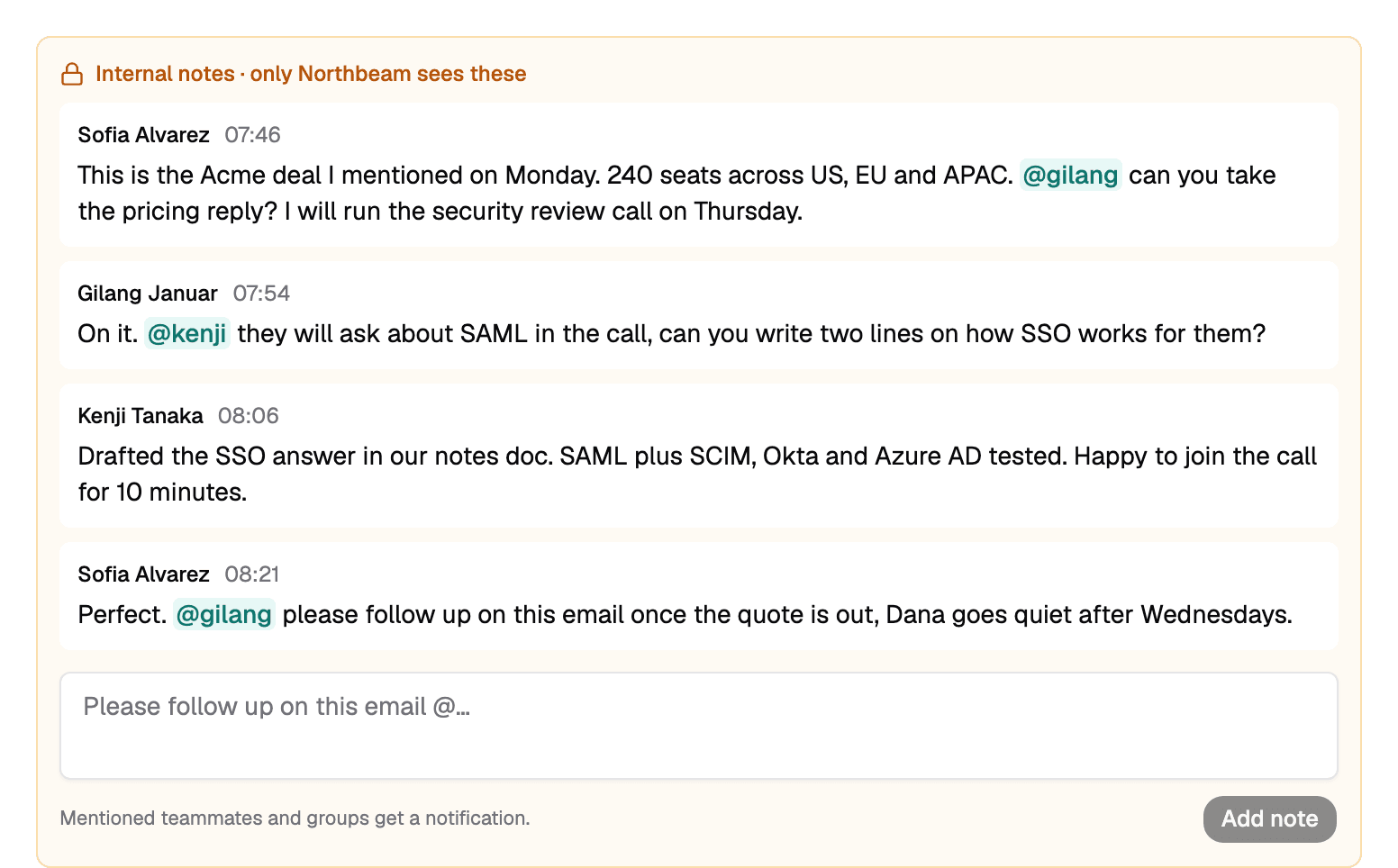
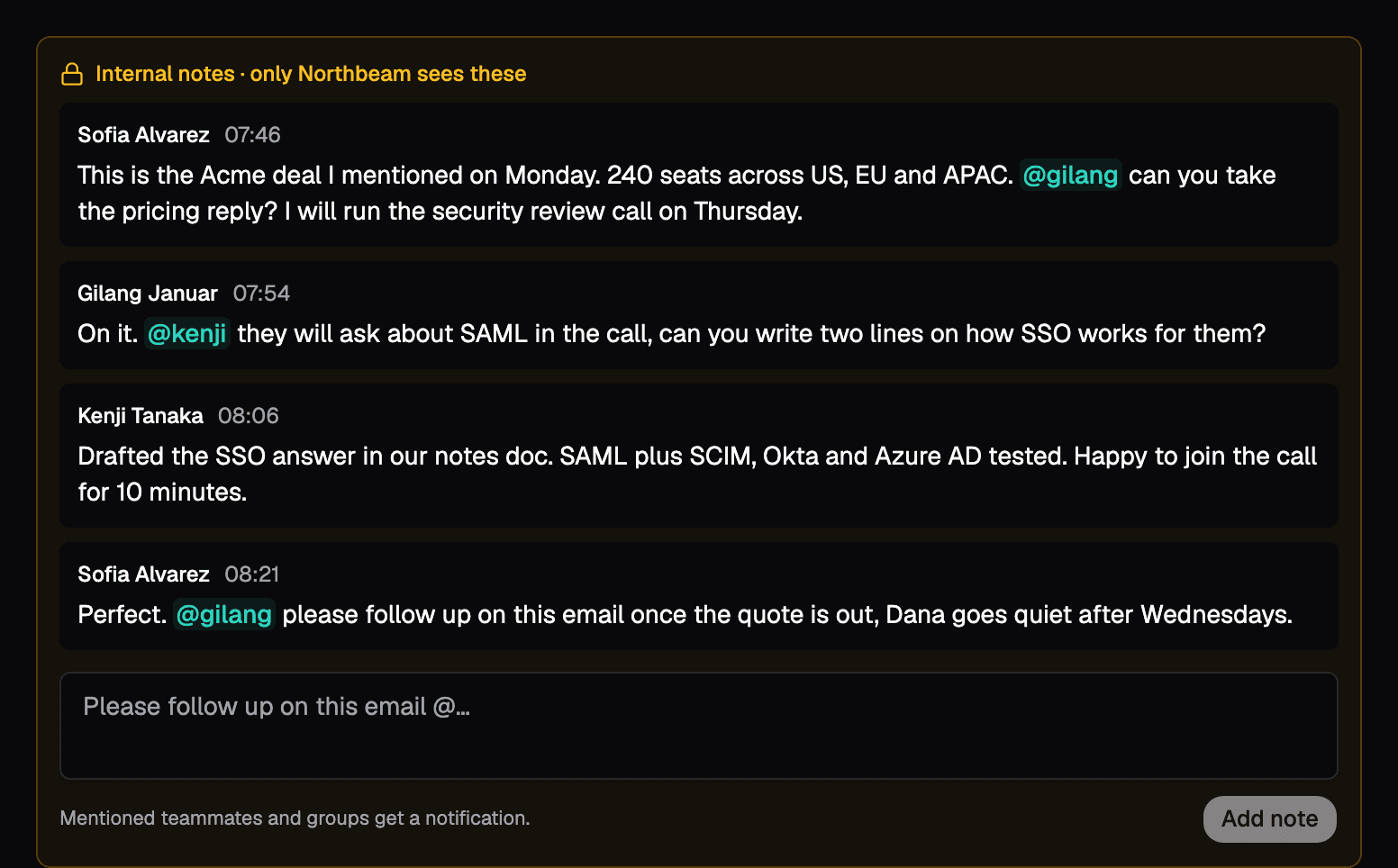
"Please follow up on this email, @sofia"
Type @ and pick a teammate. They get an email and a push notification, and the shared thread shows that you mentioned them.
- Autocomplete from your own team only
- Email and push, straight to the thread
- A @you badge marks every thread waiting on you
One domain, and an address for everyone on it
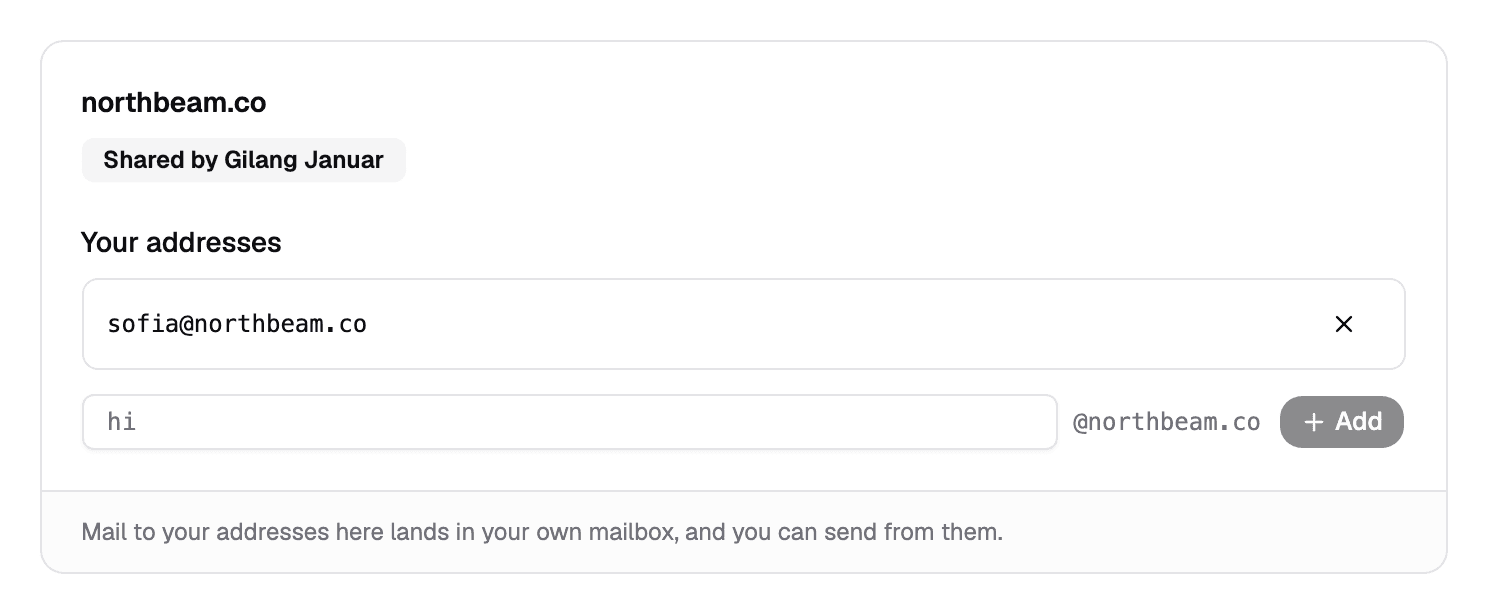
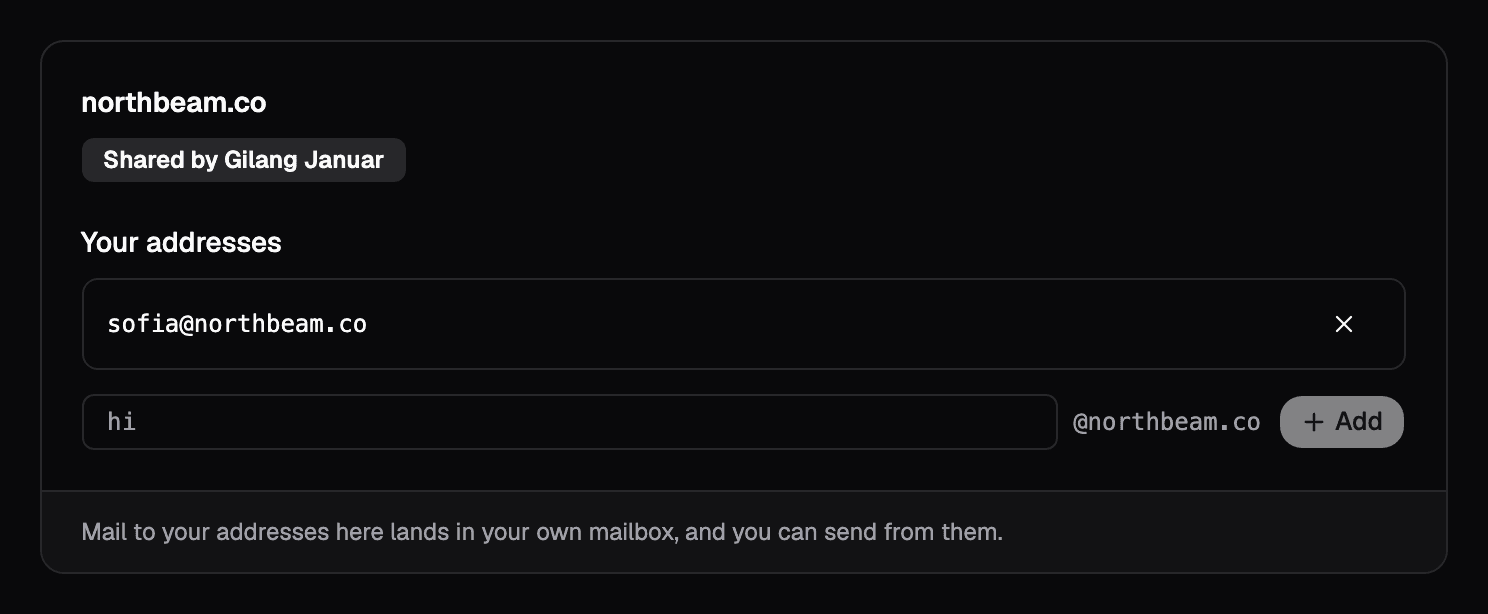
Verify your domain once and share it with the team. Hand each teammate their address, or let them add their own. That mail lands in their own mailbox, and they send from it with your DKIM signature.
- Give sofia@ to Sofia in one click: her username is filled in
- sales@, support@, billing@: each lands with whoever owns it
- Teammates never see your DNS records or signing keys
- Stop sharing and every teammate address goes with it
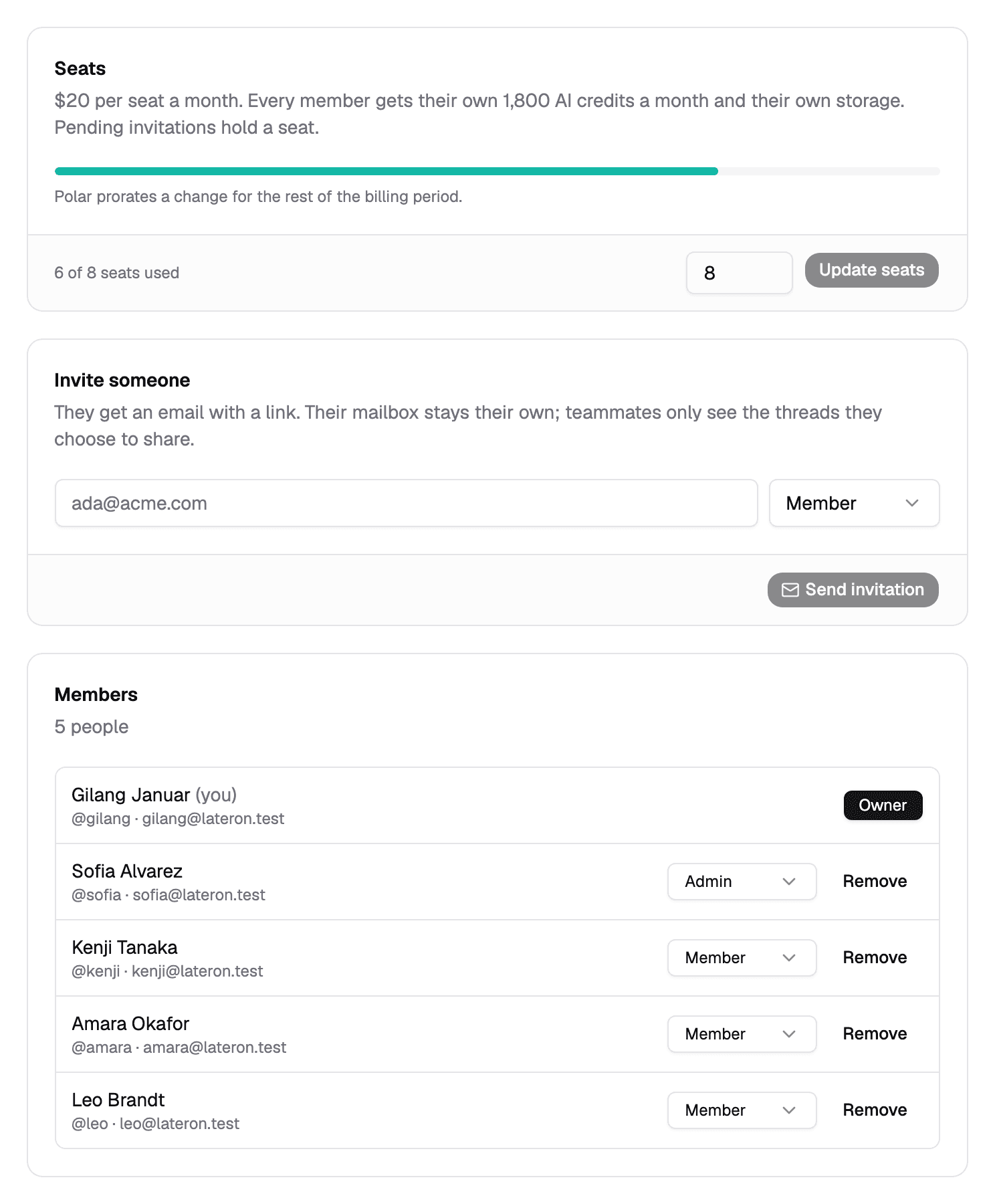
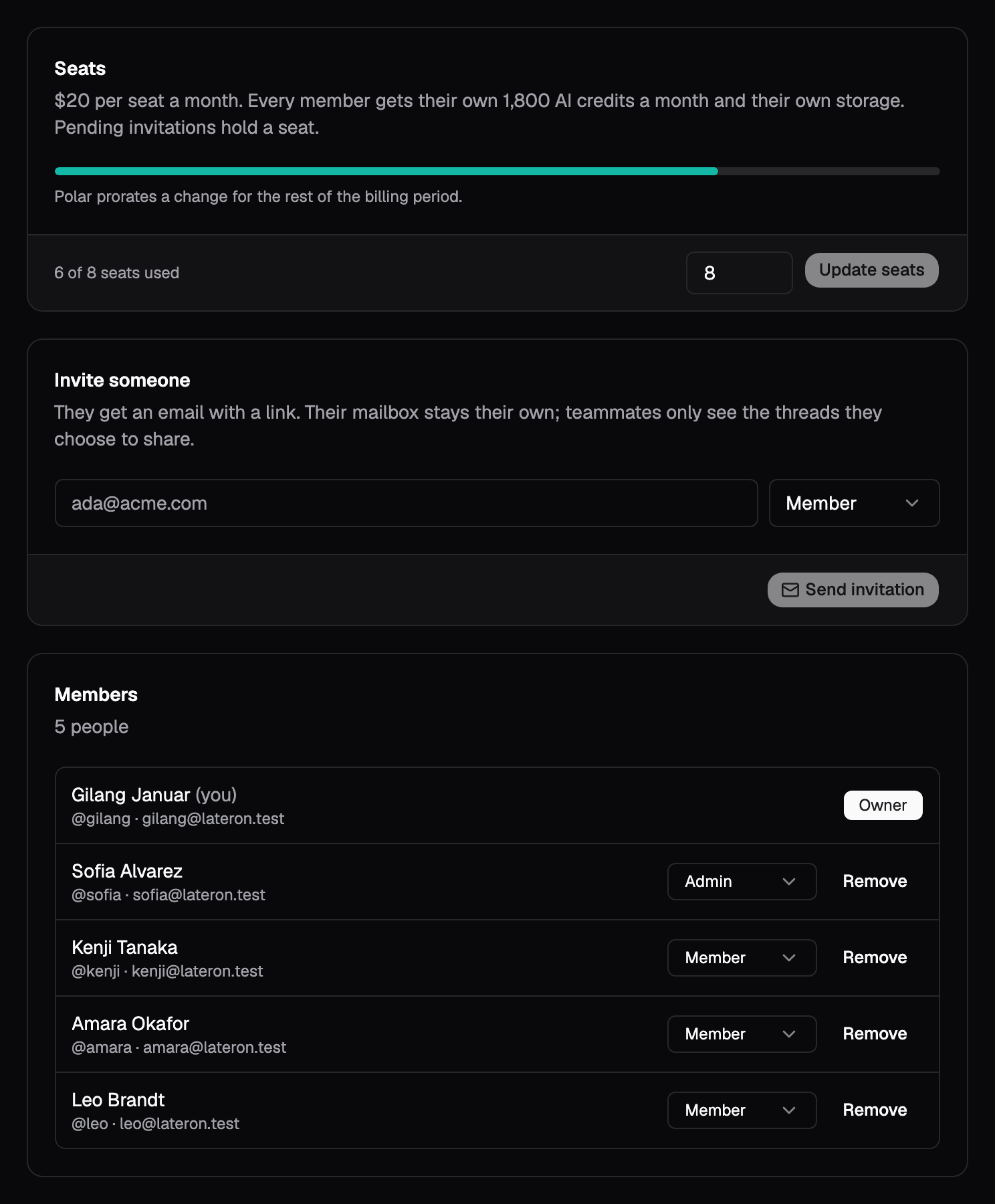
Invite by email. Change seats in a click.
Invitations hold a seat until they are accepted, expire in 14 days, and only work for the address they were sent to. Owners change seats without leaving the page.
- Owner, Admin and Member, each with clear limits
- A forwarded invitation link is useless to anyone else
- Members who leave keep their own mailbox, untouched
Every seat is a full mailbox. Nobody on the team sees a thing until its owner shares it.
Open a conversation to the team in one click, read-only. Drafts and bcc stay private.
Talk about the email next to the email. Internal notes are never sent to anyone outside.
Mention a teammate and they get an email and a push. The thread is one tap away.
Share your custom domain. Each teammate adds their own address and sends from it.
Every seat adds 1,800 AI credits to a pool the whole team draws on.
Owners run billing, admins run the roster, members get on with the work.
Removing someone takes back the shares and team addresses. Their own mail stays theirs.
Everyone gets exactly what they need
| What they can do | Owner | Admin | Member |
|---|---|---|---|
| Billing and seats | |||
| Change roles | |||
| Invite and remove members | |||
| Share a custom domain | |||
| Share threads, write notes, @mention | |||
| Their own private mailbox |
Pay for the people, not the plan
$20 per seat a month, billed monthly. One seat is Premium for you alone. Add a seat for each teammate, and change the count whenever the team does.
- AI credits, shared
- 9,000 a month
- Storage
- 20 GB per mailbox
- Workflows
- Up to 15 live
- Custom domains
- 3, shared
Cancel or change seats anytime. Polar prorates the difference.
Frequently Asked QuestionsRead the FAQ
No. Every member has their own private mailbox, and nobody on the team, owners and admins included, can open it. Teammates only see a thread after you share it, and only in a read-only view without your drafts, bcc or labels.
Bring the team. Keep your inbox.
with 1,000 others!